
Has your password leaked? How to tell and what to do right away
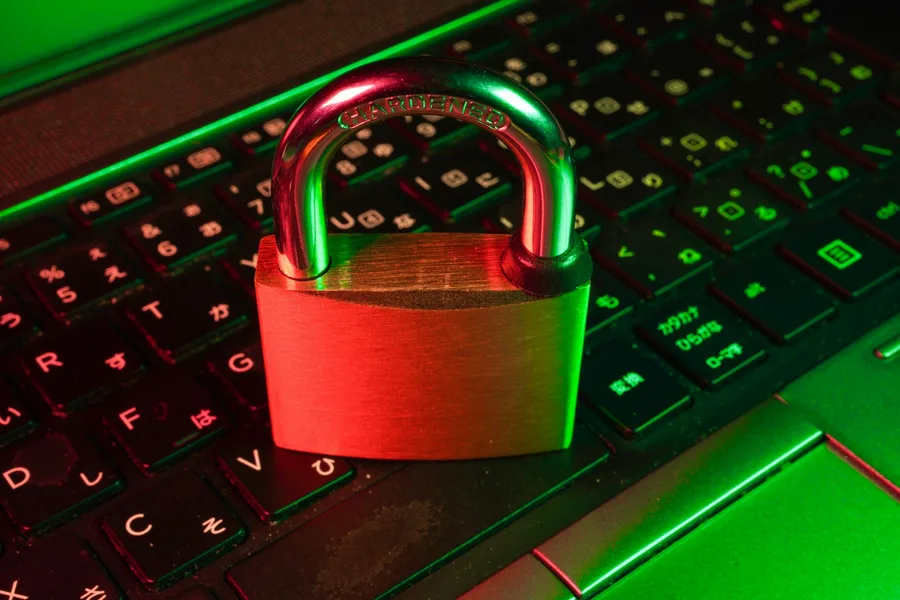
Password leaks are not rare, big services lose databases of login details regularly, and your password can end up online without you doing anything wrong. The good news is that it is easy to check and even easier to defend against. Here is how.
How to tell if your password has leaked
- A checking service. Enter your email on a site like
haveibeenpwned.comand you will see which known breaches it appeared in. You do not enter your password, only the email is checked. - Browser and password manager. Modern browsers and password managers compare your saved passwords with known leaks and warn you if one has leaked or is reused.
- A notice from the service. Sometimes the service the data leaked from will warn you. But beware of fraudulent imitations, verify it through the official site.
What a leak means
When an attacker gets your username and password from one service, they automatically try them elsewhere, on your email, your bank, your social media. The technical term is credential stuffing. If you use the same password in several places, one leak endangers all of them at once. That is exactly why a reused password is such a problem.
What to do right away
- Change the password in that service and everywhere you used it too, to a new and unique one.
- Turn on two-factor authentication so the password alone is not enough for an attacker.
- Check active logins and sign out unknown sessions.
- Watch the account, and if it was a payment service, your account movements too.
If you suspect the attacker has already done something, follow what to do when your account is hacked.
How to prevent another leak
You cannot prevent a leak at the provider, but you can make sure it does no harm:
- A different strong password for each account. How to do it is in how to create a strong password.
- A password manager that remembers them for you, more in a password manager and two-factor authentication.
- Two-factor authentication everywhere you can.
- Passwordless sign-in (passkey) where the service offers it.
And if you feel the problem is not just the password, go through the signs in how to tell if your device is hacked.
Conclusion
A password leak is not your fault and cannot be fully prevented, but it is easy to detect and neutralise. Check your email in a leak-checking service, change reused passwords to unique ones, turn on two-factor authentication and let a manager remember your passwords. Then a leak at some service is just a minor thing, not a disaster.
Has your password leaked or are you unsure about your security?
We will help set up a password manager, two-factor authentication and secure your accounts and devices. For homes and businesses in the Liptov region.
I want to secure my accountsThis article is part of the Cybersecurity overview.
Comments and questions 0
We keep the discussion to the point. Ads, links to other services, profanity and personal attacks will not be published. Neither will posts containing other people's personal data.
Frequently asked questions
How do I tell if my password has leaked?
What does it mean when my password leaks?
What should I do right away when my password leaks?
Is it safe to enter my email into a checking service?
Why is it bad to use the same password on several accounts?
How do I prevent further leaks?
Need help with IT?
We will take care of your computers, networks and security - for businesses and households in the Liptov region.
Contact us