
Ubiquiti UniFi: an ecosystem for a modern business network
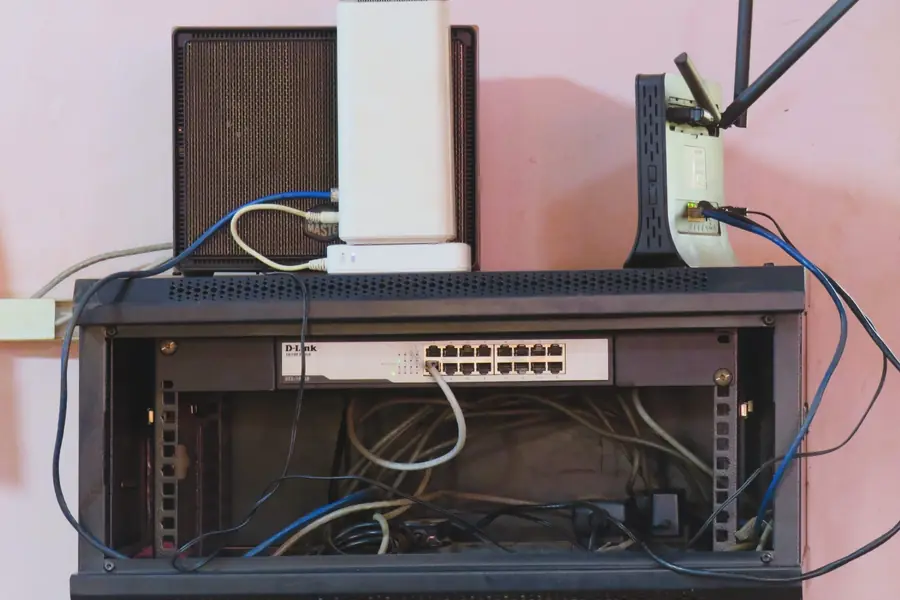
Ubiquiti UniFi is today one of the most popular solutions for business and more demanding home networks. The appeal is clear central management and a unified ecosystem. Let us explain what UniFi is, how it works and who it suits.
What UniFi is
UniFi is an ecosystem of network devices from the Ubiquiti brand that are managed from one central interface, the so-called UniFi controller. It includes access points (WiFi), switches, gateways and also cameras and other devices. Everything is configured and monitored through one clear application.
The main idea is simplicity: instead of assembling a network from various mismatched devices, you get a coherent system that fits together and is managed uniformly.
How it works
- The UniFi controller is the central software through which you manage the whole network. It runs on a separate device (for example a UniFi gateway or key) or on a server.
- The devices (access points, switches, gateways) appear in the controller once connected and you configure them from there.
- Everything in one place. WiFi, switch ports, networks and rules are managed through one modern interface.
Main advantages
- A clear interface. A modern app with an overview of the whole network, clients and traffic.
- A unified ecosystem. Access points, switches and gateways from one manufacturer that fit together.
- Smooth roaming. As you move around a building, devices switch smoothly between access points.
- Easy expansion. A new device is added quickly and fits into the system.
- Nice design. The devices are unobtrusive and can be placed elegantly, which offices and venues appreciate.
- Maps and statistics. An overview of coverage, load and traffic history.
- No licence fees. There is no charge for the software or management; you only buy the devices.
What belongs to the ecosystem
UniFi is far more than just WiFi these days. An overview of the main categories:
| Category | Purpose | Typical example |
|---|---|---|
| Gateway | router, firewall, VPN, often runs the controller too | Cloud Gateway, Dream Machine |
| Access points | WiFi coverage on a ceiling or wall | the U6 and U7 lines |
| Switches | wired connectivity, power over PoE | Lite, Standard, Pro |
| Cameras (Protect) | a camera system with recording and no fees | G4, G5 cameras |
| Access | electronic door entry | door readers and controllers |
The strong point is that you see and manage all these categories in one interface, so the network, cameras and door access form a single whole.
How a deployment works in practice
- Survey and measurement. The floor area, wall materials, number of devices and weak signal spots are assessed. Thick walls and reinforced concrete can change coverage fundamentally.
- Network design. The number and placement of access points is set, along with the required switches, the gateway and the network segmentation (company, guest, cameras).
- Cabling and mounting. Access points are powered over the data cable via PoE, so no power socket is needed next to them. The ideal spot is the ceiling in the middle of the covered space.
- Adopting the devices. Each device appears in the controller after it is connected and is adopted into the system with one click, which pushes the settings to it.
- Fine-tuning and handover. Roaming, radio channels, the guest network and configuration backups are set up so the network can be restored at any time.
Common mistakes and myths
- One powerful access point is enough for the whole building. It is not. WiFi is two-way communication and the weak link is the transmitter in a laptop or smartphone. Several weaker points spread around the building always beat one strong unit in a corner.
- The controller must run non-stop or the network goes down. No. The network works even with the controller off; it is needed for management, statistics and configuration changes. With gateways that have an integrated controller this is a non-issue, as it runs all the time.
- UniFi is only for large companies. The entry models are affordable for homes and small venues too, and the difference in comfort compared with an ordinary router is huge.
- Forgetting the configuration backup. Always export a controller backup after deployment. If a device fails, you then restore the whole network in a few minutes.
- Mixing in unverified sources. Buy devices from official distributors; second-hand units risk being tied to a stranger’s account.
Who UniFi suits
- Companies and offices that want a reliable and clearly managed network.
- Hotels, restaurants and venues needing to cover a larger space.
- More demanding homes and larger houses, where one router is not enough.
- Anyone who appreciates central management and an overview instead of assembling a network from mismatched pieces.
Power over PoE and separating guest and company networks via VLAN or a captive portal fit in nicely with WiFi.
UniFi versus MikroTik
A common question is UniFi versus MikroTik. Simply put:
- UniFi builds on simplicity, a nice interface and a coherent ecosystem. It is pleasant to manage and fast to deploy.
- MikroTik (including CAPsMAN) offers enormous flexibility and cost-effectiveness, but with higher knowledge requirements.
It is not about which is better, but which suits your situation. We can design and deploy both solutions and always choose based on needs, not on brand. For a detailed comparison of both worlds see the article MikroTik versus Ubiquiti: which to choose, and to get to know the brand itself, read the Ubiquiti portrait.
Conclusion
Ubiquiti UniFi is a coherent and clear ecosystem for a modern network that brings WiFi, switches and gateways under one central management. For companies, venues and more demanding homes it is a reliable choice with an emphasis on simplicity and overview.
A worry-free business network on UniFi
We will design, supply and configure a complete UniFi network: from a coverage survey through mounting to central management, or a MikroTik solution if it fits better. For homes and businesses in the Liptov region.
Request a network designThis article is part of our Computer networks overview.
Comments and questions 0
We keep the discussion to the point. Ads, links to other services, profanity and personal attacks will not be published. Neither will posts containing other people's personal data.
Frequently asked questions
What is the UniFi controller and where can it run?
Do I have to pay licences or monthly fees for UniFi?
How many access points do I need to cover a building?
Does a UniFi network work without the internet?
Is UniFi better than MikroTik?
Can I move to UniFi gradually, without replacing the whole network?
Need help with IT?
We will take care of your computers, networks and security - for businesses and households in the Liptov region.
Contact us