
Smart home: how to start and what to watch out for
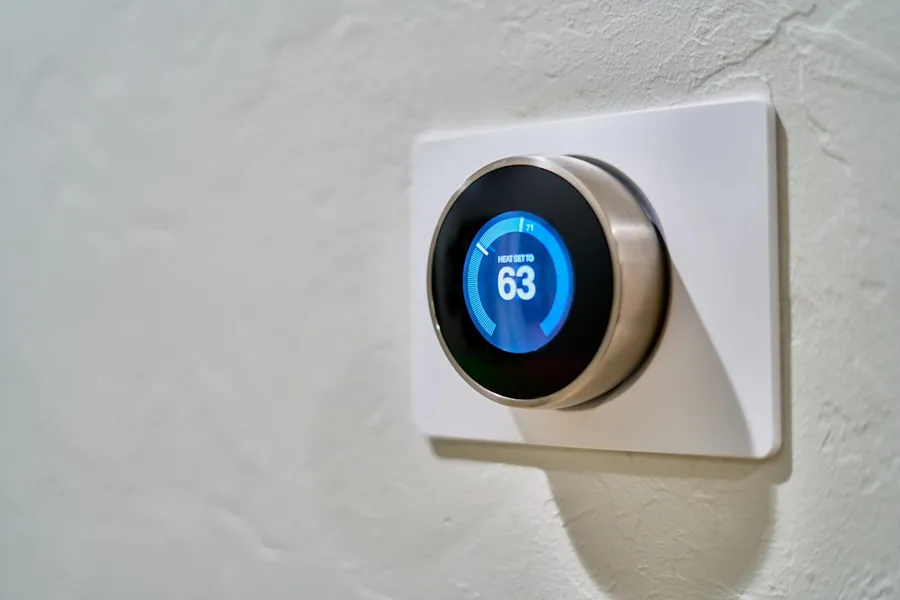
A smart home stopped being a luxury for enthusiasts long ago. A smart thermostat that saves you money on heating, lights that turn on by themselves, or a camera you can view from your phone, are things almost any household can manage today. The important part is to start sensibly.
Start with what actually bothers you
There is no point buying a pile of devices all at once. The best approach is to start where it brings the most benefit:
- Heating - a smart thermostat and radiator valves can save you a lot by heating only when and where it is needed.
- Lighting - scenes, timers and control from your phone add comfort and a sense of security when you are away from home.
- Security - cameras, motion, door and window sensors alert you to things you would otherwise miss.
Protocols: how devices talk to each other
Smart devices connect in different ways, and it pays to know the basic terms:
- Wi-Fi - the device goes straight onto the home network, no hub is needed, but many devices can load the network.
- Zigbee and Z-Wave - low-power wireless networks where devices form a “mesh” and strengthen each other’s signal. They need a hub.
- Thread - a newer low-power mesh protocol, similar in principle to Zigbee.
- Matter - a common standard meant to connect brands and ecosystems so devices work together regardless of the maker.
A hub or standalone devices
Wi-Fi devices work on their own through the maker’s app. Zigbee and Z-Wave devices need a hub that ties them together. Thread is different here: it does not need a separate hub, just a so-called border router, which is often already built into common devices (a smart speaker, a TV box). A hub brings order, local control and often independence from the internet.
For the ecosystem, pick one main one: Google Home, Amazon Alexa or Apple Home. Anyone who wants maximum privacy and control without the cloud will reach for Home Assistant, which runs locally in your home.
It will not work without a stable network
Every smart device needs a reliable connection. If Wi-Fi does not cover the whole house or drops out frequently, a smart home will be more of a nuisance than a help. That is why the foundation is a well-designed and well-covered network, ideally with access points throughout the house. It is worth separating and securing sensitive devices (cameras, for example) so that no stranger can reach them.
Mind security and privacy
Smart devices are small computers connected to the internet. Cheap devices from unknown sources are often a target for attacks. That is why it is important to choose trusted brands, change default passwords, update regularly, and not expose sensitive devices directly to the internet, but only through a secure connection.
When an off-the-shelf solution is not enough
Sometimes exactly what you need simply is not on the market. That is when a custom solution makes sense. We can design, build and program our own device, for example a sensor tailored precisely to your purpose, or link several systems so they work together.
We will help from design to setup
Whether you just want to start with a few devices or you are planning to connect your whole home, we are happy to design a sensible solution, secure the network and set everything up so that it works reliably and safely. Get in touch and we will advise you.
Want to start a smart home without the common mistakes?
We will design a sensible solution, secure your network and devices, and set everything up to work reliably. For homes and businesses in the Liptov region.
Get my smart home set upThis article is part of our Computer networks overview.
Comments and questions 0
We keep the discussion to the point. Ads, links to other services, profanity and personal attacks will not be published. Neither will posts containing other people's personal data.
Frequently asked questions
Where is the best place to start with a smart home?
What is the difference between Wi-Fi, Zigbee, Z-Wave, Thread and Matter?
Do I need a hub for smart devices?
Which smart home ecosystem should I choose?
Why does a smart home need a stable network?
Are smart devices safe, and what should I watch out for?
Need help with IT?
We will take care of your computers, networks and security - for businesses and households in the Liptov region.
Contact us