
What WPS is and why you should turn it off on your router
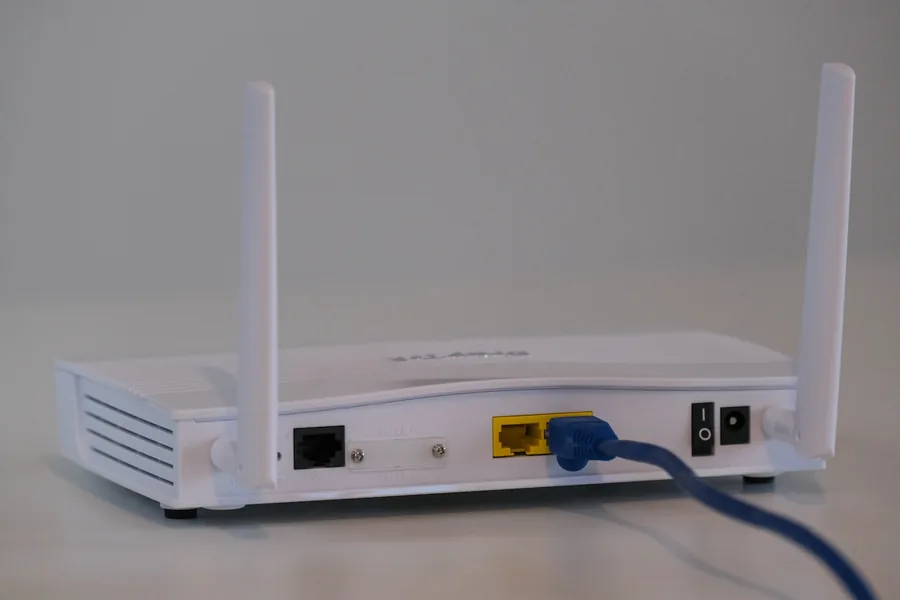
Photo: Compare Fibre · Unsplash
Most routers have a small button with two arrows in a circle and the letters WPS. It looks like convenience: press it and a device joins the Wi-Fi without typing a password. Yet this very feature is one of the best-known security holes of home networks. Let us explain what WPS is, why it is risky and how to turn it off.
What WPS is
WPS (Wi-Fi Protected Setup) is a feature from 2006 that was meant to simplify joining a Wi-Fi network. Passwords back then were long and people disliked copying them, so manufacturers came up with two faster paths:
- By button (PBC): you press WPS on the router, press the same on the device within two minutes, and they connect without a password.
- By PIN: the device joins by entering an eight-digit number, usually printed on the router’s label.
It sounds practical. The problem lies in the second method.
Why WPS is a security risk
An eight-digit PIN looks like a hundred million possibilities, which would take years to break. But WPS does not verify it all at once. It checks it in two halves, and the last digit is only a checksum. So an attacker really only needs to guess:
- the first half (10,000 options),
- the second half (1,000 options),
together about 11,000 combinations instead of a hundred million. That is the difference between years and a few hours of trying.
And it gets worse. An attack called Pixie Dust exploits weak random-number generation in many routers and can often compute the PIN in seconds to minutes, even offline. The attacker does not need to know your Wi-Fi password - through the WPS PIN they reach it, and you have a stranger on your network.
Once someone is on your network, they can eavesdrop on traffic, try to reach shared devices and data, or abuse the network for illegal activity under your address. That makes the WPS PIN a needless risk not worth the pinch of convenience.
“But I only use the button, not the PIN”
Common and understandable. The catch is that the PIN method tends to stay enabled on the router, even if you personally only use the button. An attacker does not pick your favourite method - they attack the weak one you left open. So it is not enough to “not use” the PIN, you need to disable WPS entirely.
Besides, the convenience is practically worthless today: you enter the Wi-Fi password once per device, and on smartphones it is often transferred by QR code or automatically anyway.
How to find and disable WPS
The steps vary by brand, but the principle is the same:
- Enter the router admin address in your browser - usually 192.168.1.1 or 192.168.0.1 (the exact address is on the router’s label).
- Log in. If you have never changed the password, it is also on the label - and change it to your own right away, because the default one is known to the internet.
- Open the Wi-Fi / wireless section and find the WPS item.
- Switch it to disabled and save the changes.
If you cannot find WPS in the settings at all, the brand may call it something else, or it may be hidden in advanced options. When in doubt, do not enable anything and rather ask for help.
What else to do for a secure Wi-Fi
Disabling WPS is one important step, but a properly secured home network has more:
- A strong, unique Wi-Fi password, not the factory default. See the strong password guide.
- WPA2 or WPA3 encryption, not the obsolete WEP.
- Changed router login credentials (not admin/admin).
- Up-to-date firmware - manufacturers use it to close security holes, so do not postpone it.
If you are also tackling speed and coverage, see how to really improve your home Wi-Fi.
We will set up a network that is fast and secure
We disable needless holes like WPS, set up strong encryption, update the router and survey the coverage - so your Wi-Fi is snappy and protected at once. At home or in the office in the Liptov region.
Secure my networkSummary
WPS was born for a convenience we hardly need today, yet its PIN remained a weakness through which someone can get onto the network without knowing the password. Disabling WPS breaks nothing - Wi-Fi keeps working, it just closes one needlessly open door. It is one of the quickest things you can do to make your home network safer.
This article is part of our Computer networks overview.
Comments and questions 0
We keep the discussion to the point. Ads, links to other services, profanity and personal attacks will not be published. Neither will posts containing other people's personal data.
Frequently asked questions
What is WPS on a router?
Why is WPS a security risk?
How do I check whether WPS is enabled?
How do I turn WPS off?
Will I lose Wi-Fi when I turn WPS off?
Is disabling WPS enough for a secure network?
Need help with IT?
We will take care of your computers, networks and security - for businesses and households in the Liptov region.
Contact us