
How to back up data properly and why it matters
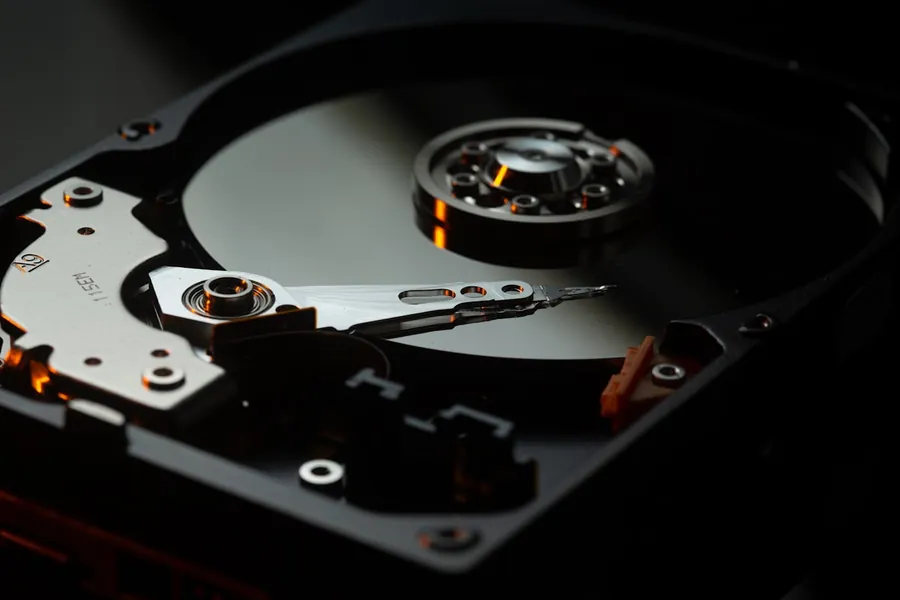
Photos, invoices, contracts, customer databases - data is often the most valuable thing a business or household has. And yet many people only deal with backups once it is too late. A disk failure, a stolen laptop or a ransomware attack can wipe out years of work for good.
A backup is not the same as a copy on the same disk
If you keep your data and its “backup” on a single computer, that is not a backup. When the disk fails, you lose both. A real backup is a separate copy on a different device or in a different place.
In the same way, cloud sync (OneDrive, Google Drive) is not a backup. Sync keeps your files identical across all your devices, so when you delete something by mistake or ransomware encrypts your data, that same change propagates to the synced copy in the cloud as well. A real backup is a separate, independent copy that does not change along with the original.
The 3-2-1 rule
A proven standard that we recommend as well:
- 3 copies of the data (the original plus two backups),
- on 2 different types of media (for example an internal disk and an external disk or a NAS),
- with 1 copy kept off-site - ideally in the cloud or in another location.
This rule protects you against hardware failure, theft and fire all at once.
Full versus incremental backup
When setting up backups you will come across two terms:
- A full backup copies absolutely all the data. It is the clearest, but takes longer and uses the most space.
- An incremental backup saves only what has changed since the last backup. It is fast and saves space.
In practice they are combined: for example a full backup every now and then with incremental ones in between. Most backup programs do this automatically.
Encrypt and keep versions
- Encrypting the backup protects the data if the disk or cloud account ends up in the wrong hands. With sensitive data it is almost a must.
- Versioning keeps several older versions of files. It is an important defence against ransomware: if something encrypts your current files, you go back to a healthy older version.
What to back up
People often back up only documents and photos and forget the rest. Think also about emails, contacts, calendar, invoices, databases, passwords and configurations of important programs. Make a list of what you would struggle to replace if lost, and back that up first.
Automation is key
The best backup is the one you do not have to think about. Set up automatic backups at regular intervals. Copying things manually every now and then usually fails on the human factor.
Test the recovery
A backup only makes sense if the data can actually be restored from it. So test the recovery regularly - at least as a trial. Nothing is worse than discovering during a disaster that the backup has been corrupted for years.
When it is already too late
If you have lost your data and have no backup, all may not be lost yet. In many cases we can perform recovery of lost data from a hard drive, an external disk or a USB stick. The sooner you contact us and stop using the device, the greater the chance of success.
Data backup and recovery
We will set up automatic backups following the 3-2-1 rule and, if something goes wrong, try to recover your lost data. For homes and businesses in the Liptov region.
Get in touchThis article is part of our Data backup and recovery overview.
Comments and questions 0
We keep the discussion to the point. Ads, links to other services, profanity and personal attacks will not be published. Neither will posts containing other people's personal data.
Frequently asked questions
What is the 3-2-1 backup rule?
Is cloud sync like OneDrive or Google Drive a backup?
What is the difference between a full and an incremental backup?
Why encrypt a backup?
What should I back up besides documents and photos?
Can lost data be recovered if there is no backup and the disk has failed?
Need help with IT?
We will take care of your computers, networks and security - for businesses and households in the Liptov region.
Contact us